FREE · NO SIGN-UP · NO LOGIN

Free AI Image Generator No Sign-Up

Use our free AI image generator with no sign-up or login required. Create images from text, or restyle a reference photo with image to image — from pet artwork to product scenes.

0 / 1PNG, JPG, WebP · up to 5 MB each · reference order is preserved

0 / 4000
Quick start
Click to fill image + prompt

Loading…

Your result

Image to image
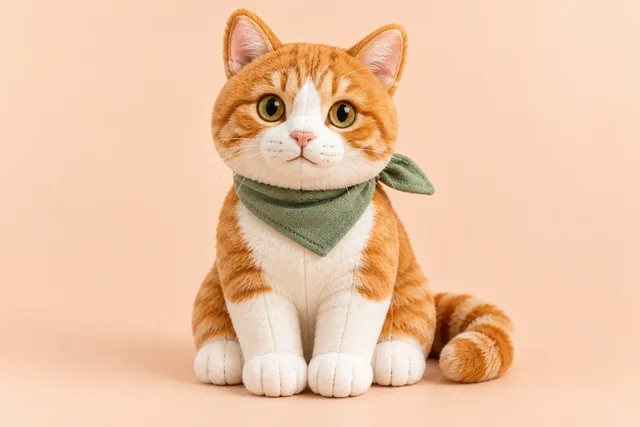
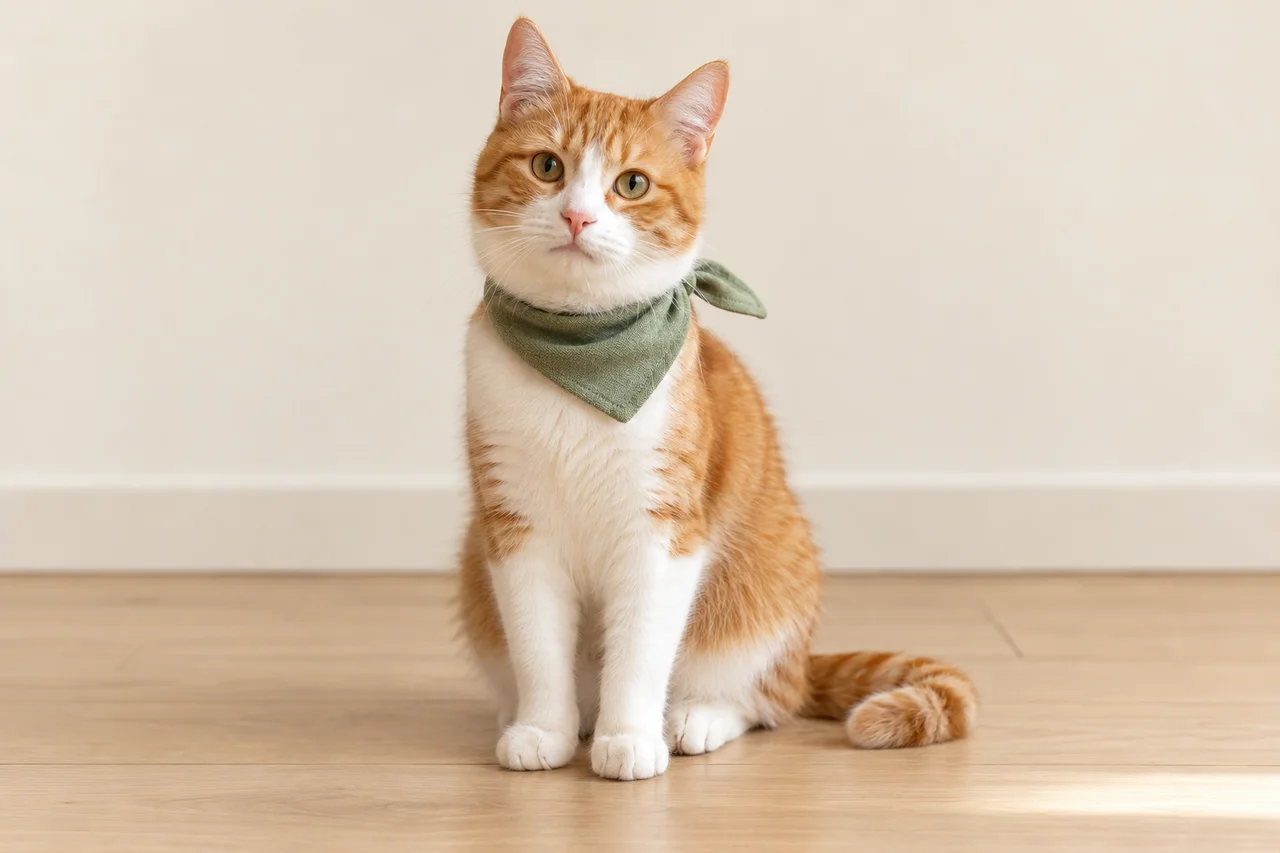
An orange-and-white cat wearing a sage-green bandana, sitting on a wooden floorA plush orange-and-white cat with a green bandana, rounded paws and visible fabric texture on a peach background
Example: photo → plush concept

CHOOSE YOUR STARTING POINT

How to Use the Free AI Image Generator

Text to image or image to image — both start in the generator above, with no sign-up needed. Choose the one that fits what you already have.

Describe a subject and the look you want: a ceramic glaze, a pencil texture or a softly lit landscape. Choose an image ratio to suit your composition.

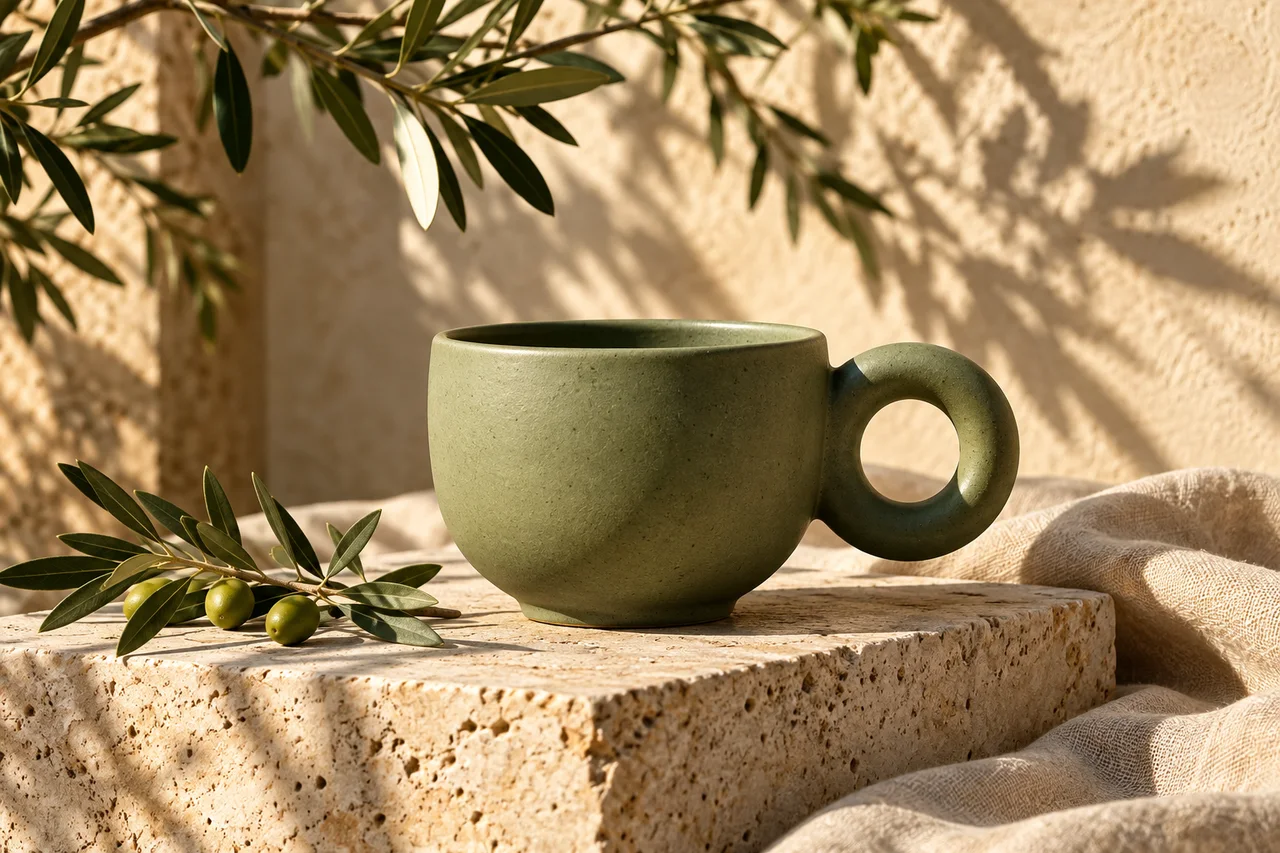
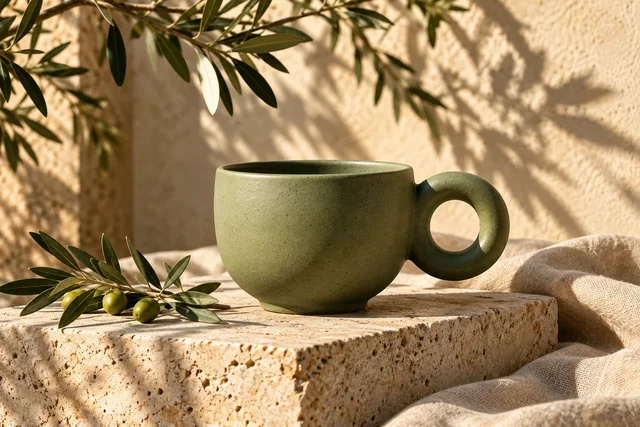
A sage-green ceramic cup on a stone plinth in soft morning light

THE IMAGE WORKSHOP

AI Image Examples and Prompts to Make Your Own

Start with the details you want to keep, then decide what to change. These image-to-image examples explore two different treatments of the same reference photo.

Image to image

One pet photo. Two ways to restyle it.

A plush orange-and-white cat with a green bandana, rounded paws and visible fabric texture on a peach background
Style concept
An orange-and-white cat wearing a sage-green bandana, sitting on a wooden floor
Starting photo

PHOTO TO PLUSH CONCEPT

Keep the markings. Change the material.

Your prompt

Turn the pet in this reference image into a huggable plush toy. Preserve its distinctive colors, markings, expression and accessories. Use rounded proportions, soft fleece, neat visible seams, embroidered eyes and a small stitched nose. Show the whole toy sitting on a pale peach studio backdrop with gentle lighting and realistic fabric texture. No text or logos.
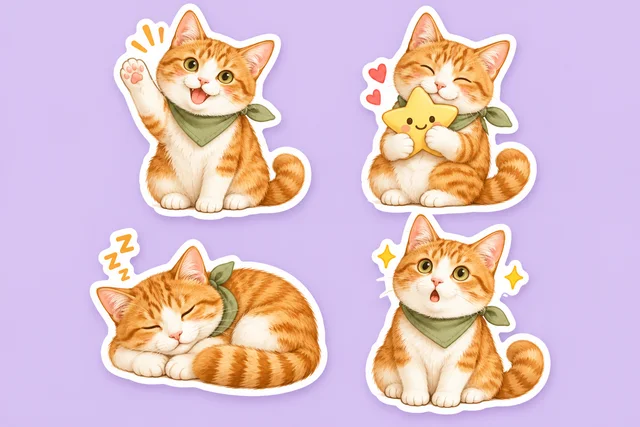
Four illustrated orange-and-white cat stickers with green bandanas and white borders on a lavender background
Style concept
An orange-and-white cat wearing a sage-green bandana, sitting on a wooden floor
Starting photo

PHOTO TO STICKER SHEET

Give a familiar face four expressions.

Your prompt

Create a set of four die-cut stickers based on the pet in this reference image. Keep its markings, colors and accessories consistent. Arrange four expressions in a 2 by 2 grid: waving happily, hugging a yellow star, sleeping curled up, and looking surprised. Use rounded outlines, soft colors, thick white sticker borders and subtle shadows on a pale lavender background. Keep every sticker separate and fully visible. No text or logos.

Compare the orange-and-white markings and green bandana across the examples. Try a prompt with the supplied reference, or upload your own photo after loading it.

AI-generated inspiration images showing creative directions. Results will vary with your reference image, prompt and model.

COMPOSE THE STILL IMAGE

Write an image prompt with shape, light & texture

A useful text-to-image prompt explains what belongs in the frame. Start with the subject, choose a visual medium, then describe the setting, light and arrangement.

  1. Subject
  2. Art style
  3. Setting
  4. Lighting
  5. Composition

For the cup study, the stone surface and leaf shadows matter as much as the subject. To explore a variation, keep the cup and framing, then change only the glaze color or lighting. With a reference image, state which shapes and details should stay.

A sage-green ceramic cup on a stone plinth in soft morning light
SUBJECT + MATERIAL + SETTING + LIGHT

A sage-green ceramic cup on a stone plinth. Morning sunlight, olive-leaf shadows and warm editorial product photography.

BEFORE YOU GENERATE

Give your image room to work

Use a free AI art generator to test a composition before you design. Pick a ratio in the generator and describe where the important details should sit.

A plush orange-and-white cat with a green bandana, rounded paws and visible fabric texture on a peach background

Square artwork & profile images

1:1

Try 1:1 with a clear central subject and space around the edges. Check the final crop if your profile or post will display inside a circle or a smaller frame.

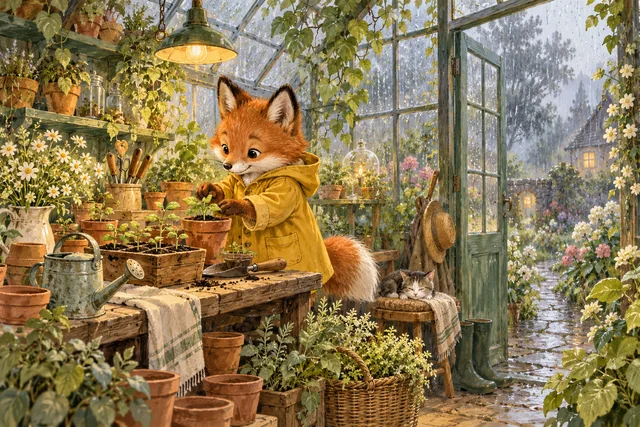
A fox in a yellow raincoat tending seedlings in a cozy greenhouse on a rainy day

Portrait illustrations & covers

3:4

Use 3:4 or 2:3 for a tall composition. If you plan to add a title later, ask for a simple background with empty space above or beside the subject.

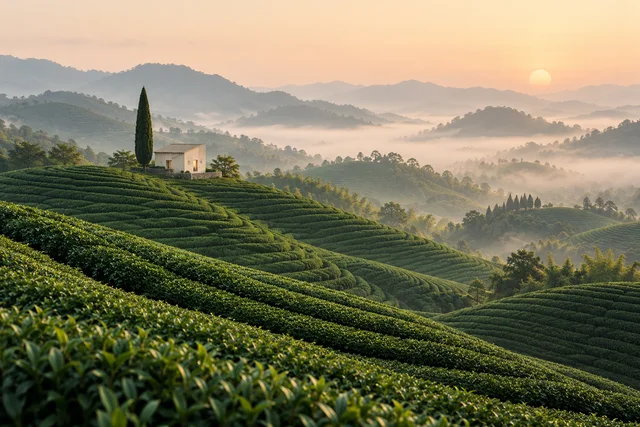
A small ivory house surrounded by rolling tea hills at sunrise

Wide product scenes & backgrounds

16:9

Try 3:2 or 16:9 for a tabletop scene or presentation image. Specify the surface, shadows and product placement. Inspect proportions and reflections before using it as a concept.

Image formats & generation options

Creation modes
Text to image from a written prompt, or image to image using reference images and a prompt.
Reference image uploads
PNG, JPG or WebP · up to 5 MB per image · up to 6 reference images.
Image aspect ratios
3:4 · 9:16 · 2:3 · 1:1 · 16:9 · 3:2 · 4:3

Generated images have no watermark. Check the generator for currently available upload counts and ratio options. Choose a ratio before generating.

GOOD QUESTIONS

Frequently Asked Questions

Reference photos, image ratios, free allowances and checking your artwork.

Free users can generate 5 images per day. The allowance resets at 00:00 UTC.

A new picture. Or a new take on yours.

Start with a prompt or a reference photo. Free to use online, no sign-up or login required.

Start creating an image